

TRAINING ARTISTS FOR THE FUTURE
We Teach 3D Art Skills For Careers In Games, Film, XR and The Metaverse.
We're a higher quality, more affordable, and up-to-date alternative to associate and bachelor degree programs which are often outdated by the time you finish them.
Get StartedCareer Ready Program Options
We pair our students with industry professional mentors who work at places like CD Projekt Red, Ubisoft, Fall Damage, Playground Games, and more!
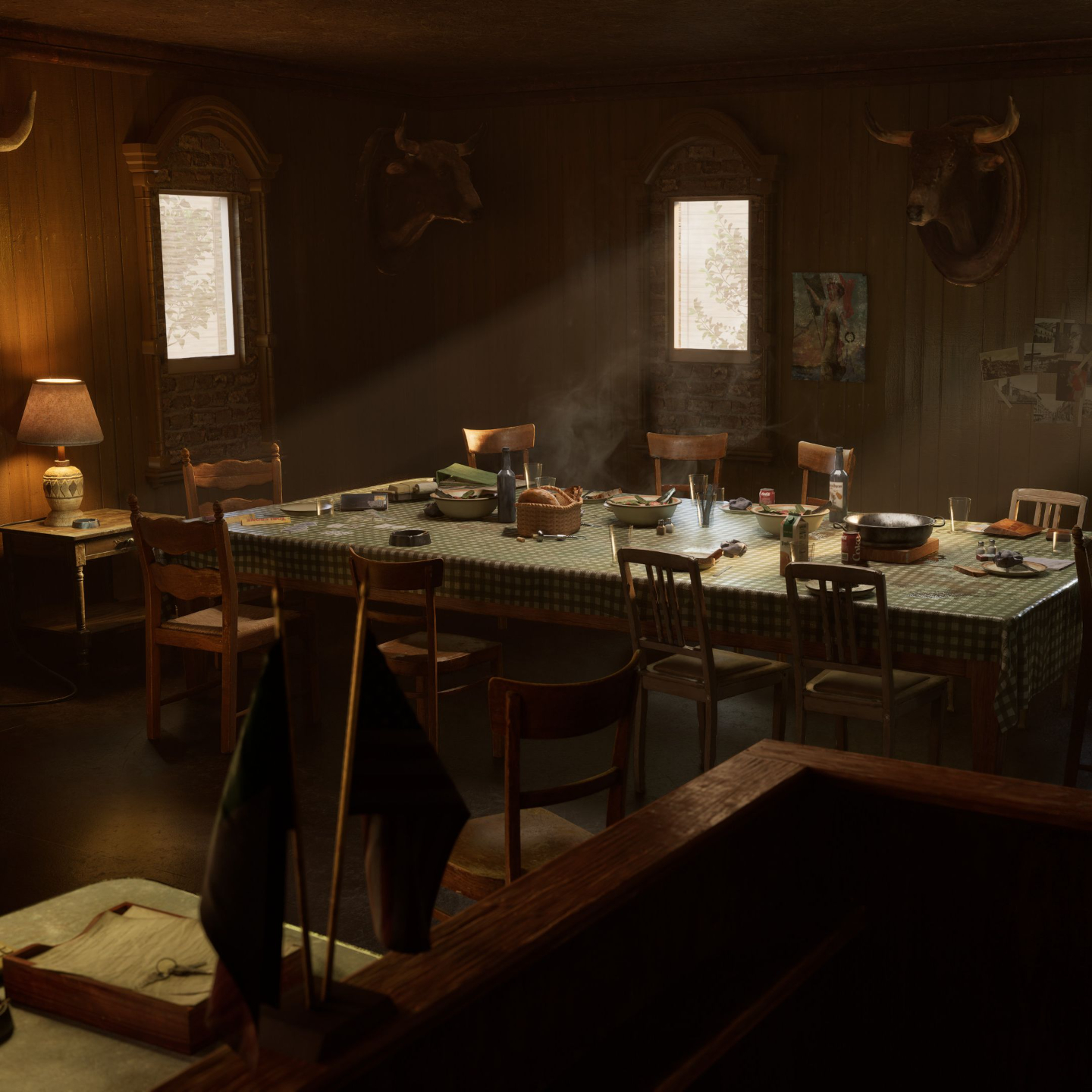
Game Artist Program
Our 9-month Game Artist Program starts with foundations and building a 3D prop. Term II you choose to focus on either Character Art or Environment Art.
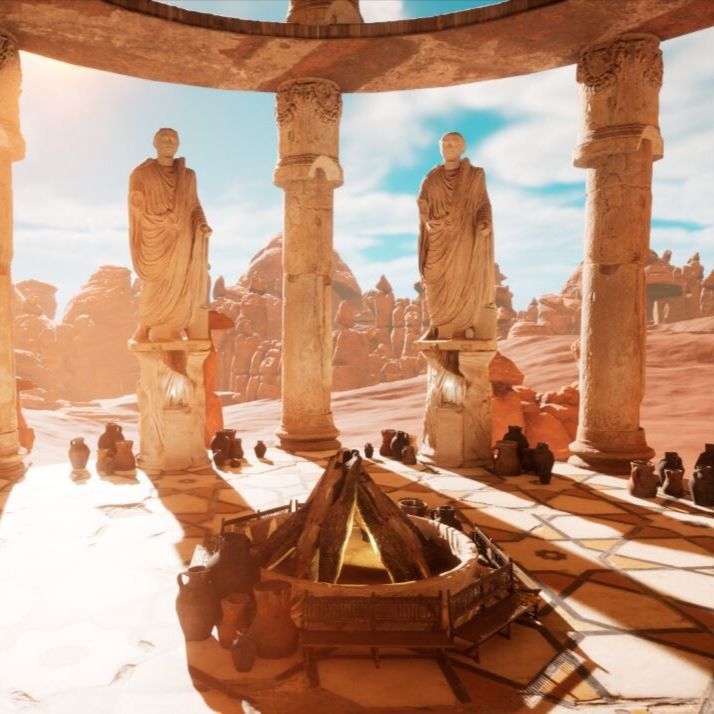
Game Development Program
This 30-week Game Dev Program starts with the foundations of Game Dev and leads you to building your own portfolio piece.

Innovative Creative Tech Training to Prepare you for the Future.
Vertex School offers a Game Art Program and a Game Development Program, short-term Courses, and Unreal Engine Training for Professionals.
- Programs, Courses, Unreal Engine Training
- Career Focused
- Community Based Learning
Get StartedVertex School is an Unreal Authorized Training Center
We're excited to announce that Vertex School is now an Unreal Authorized Training Center!
This ensures that our students receive the highest quality of Unreal Engine learning and allows us to best prepare students for the current job market. It also means that Epic is supporting us in our training process!

Our students learn the skills required by companies hiring for creative tech positions.
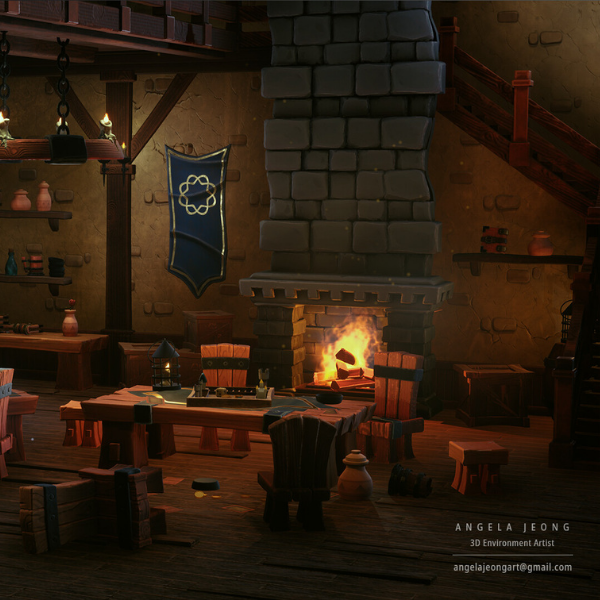
Angela Jeong
With the knowledge I gained and portfolio I made at Vertex, I got hired into the game industry!
Prior to Vertex, I had very little software knowledge. Now I’m comfortable using Maya, Zbrush, Substance Designer, Painter, etc.
I really enjoy the community Vertex provides. People are always exchanging info and providing feedback - there is always someone willing to help you. I guarantee that if you are willing to push yourself, you will be able to get a lot out of the Game Arts Program.
With Vertex I felt that I was supported and part of the school community both during and after graduating.
I'm super grateful that I joined Vertex!
After Graduating from Vertex: 3D Environment Artist at Liquid Development

Étienne Cardona
Switching from 2D animation to 3D character art, Vertex School’s 9 month Game Art Program was the best configuration I could’ve hoped for.
During the classes, I was taught the necessary tools to complete a full project, and the one on one sessions with industry mentors allowed me to pinpoint my weaknesses and further deepen my knowledge of both the softwares and techniques used.
Thanks to Vertex School and a recommendation from my mentor, Ashley Sparling, I’ve been hired by Ubisoft as a 3D Character Artist. I was not expecting such an awesome conclusion to the program.
After Graduating from Vertex: 3D Character Artist at Ubisoft
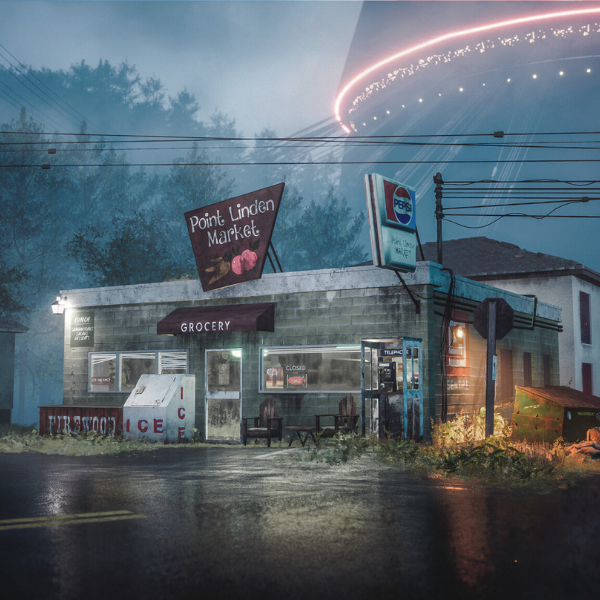
Lewis Hewison
I recently finished the Game Art Program at Vertex and got a job in the industry! I now work at Antimatter Games based in the UK. Prior to Vertex I studied illustration for 3 years and used 3D applications for all of my work - I was always drawn to concept art and still image but wanted a job in the game industry though I didn't know how to approach it or what to specialize in.
I started looking online at tutorials but felt very lost. I started searching around for online courses with mentorship from industry pros to further my knowledge - I checked out Cliton Crumpler's course, CGMA, Think Tank, etc. I was heavily drawn to Vertex due to their program's length, price and that it's split into character and environment. What Ryan has built is great and I couldn't recommend it more.
After Graduating from Vertex: Junior Environment Artist at Antimatter Games and now 3D Environment Artist at Behaviour Interactive
Student Success Story
From Customer Service to AAA Studio
Lena Piech
"When I enrolled for the Game Art Program I knew nothing about the industry (I wouldn’t have even considered myself a gamer or anything like that. I literally knew nothing. The Witcher is possibly the only game I had played from start to finish).
I got a job as a 3D Environment Artist at one of the Xbox studios sometime after Term II of the program. I never got to finish Term III because I didn’t need to since I had already gotten a job. After Term II I left the program and started my new job!..." - Lena Piech
Prior to Vertex: Customer Service Rep
After Vertex: Environment Artist at Playground Games (Xbox Game Studios)


Student Success Story
Getting a Job at Epic Games
Sean Love
Sean Love joined our Unreal Engine Game Development Program while working in the film/writing industry. Before graduating from the 30-week program, Sean secured a job as an Asset Implementer at Epic Games!
"While interviewing for my current job it really felt like the right choice that I had made joining the Game Development Program.
The way the program is designed is it literally checked all the boxes of the job." -Sean Love
Prior to Vertex: Film & writing industry
After Vertex: Asset Implementer at Epic Games


Now is the time to prepare for a creative tech career.

XR MARKET GROWTH
IN THE NEXT 10 YEARS
48.3%
XR INDUSTRY VALUE
BY THE YEAR 2030
$1,005.6 BILLION
XR HEADSET SHIPMENTS
IN THE YEAR 2024
76.7 MILLION

Professional Mentoring From Industry Best
Industry-built curriculum combined with top of the industry mentoring to give you a leg up in new media's intensely competitive industries of games, film and XR.
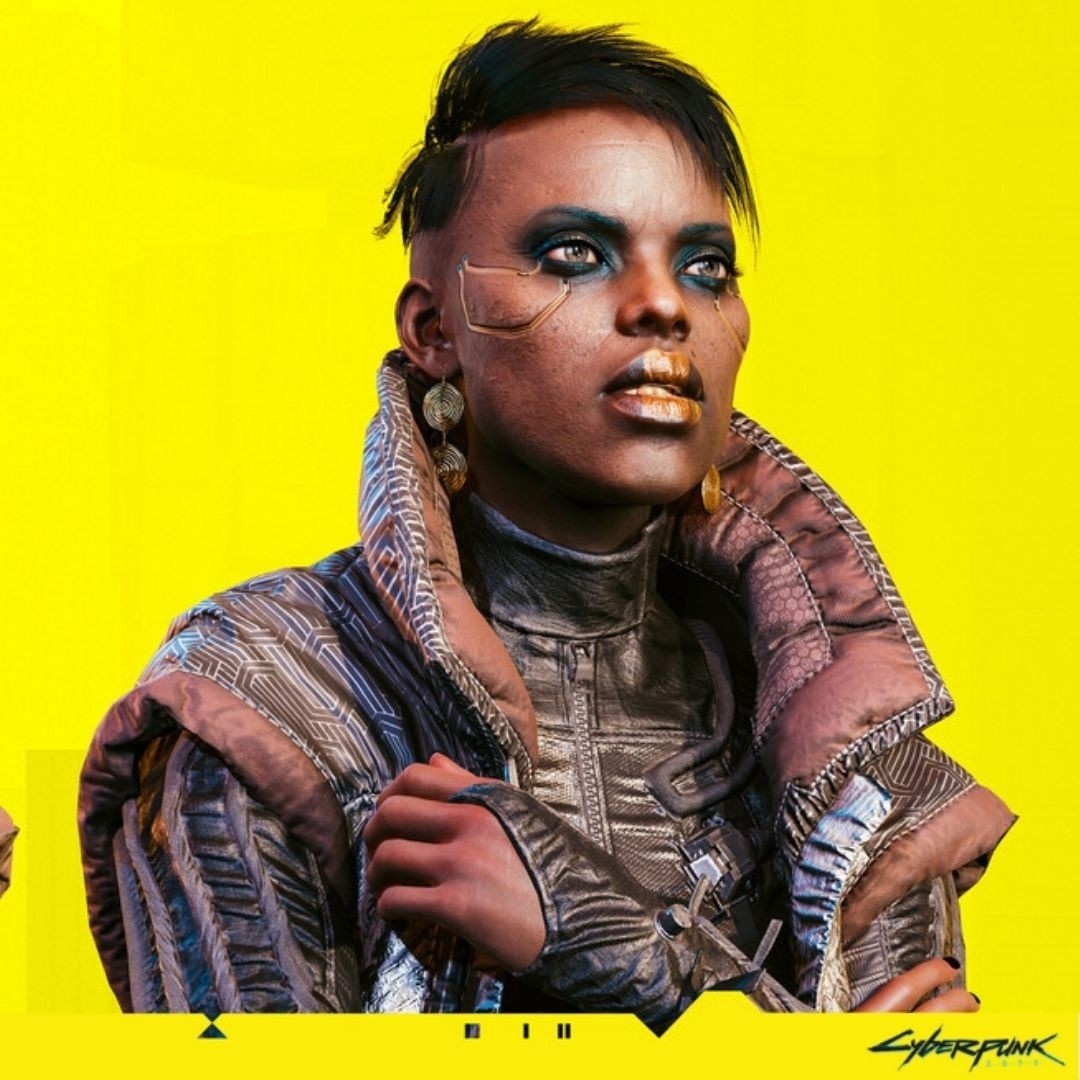
Marcin Klicki
Based in Warsaw, Poland, Marcin Klicki is an Expert Character Artist at CD Projekt Red. Starting out as a self taught artist, he has been working in the industry for years.
He has worked on titles such as The Witcher 3, The Witcher 3: Wild Hunt, and The Witcher 3: Hearts of Stone. His most recent work is on Cyberpunk 2077.

Jacob Claussen
Jacob Claussen is currently working as a Lead Environment Artist at Fall Damage. He has also worked at Starbreeze Studios & Ubisoft Stockholm.
He has contributed to titles such as Avatar: Frontiers of Pandora, Overkill's The Walking Dead, Tom Clancy's The Division 2: Warlords of New York Expansion, and Alara Prime.
Besides being one of our most loved mentors he loves exploring nature, art in general, and is a big movie buff, everything from arthouse movies to bad 80s B-movies.

Ashley Sparling
Ashley is currently the CEO and Character Art Director at K9 Digital.
He has 14 years in the games Industry working at Studios such as Splash Damage, Ubisoft, Jagex, Lionhead and Natural Motion.
He has contributed to titles such as Assassins Creed Odyssey, Chess Ultra, Fable Legends, and Dawn of Titans.
Our Students Get Featured on 80LV

Justin Hein
"Vertex provides a community for new and growing artists to become who they want to be. It's beyond just creating art. Vertex has helped me actualize what I want to do as a person.
I started their program with only an interest in 3D and to complete a project that looks accurate to what I imagined, but I thought I'd never be here.
After this project, I am confident that I'll continue creating for the rest of my life. They've shown me how fun it is to put yourself out there as an artist and take risks to create something you might not think others will like. I will forever be grateful for what Vertex has given me."

Elliott Wang
"The first step was committing to a transition from 2D to 3D for more work opportunities. I looked up a bunch of bootcamps, and Vertex stood out to me with its affordability and choice of mentors. I went through a short interview process, and the rest is history.
As an online school, Vertex is flexible for people working part-time or full-time simultaneously and for people all across the world.
Without guidance from Vertex, I wouldn’t know what I needed to know. I wouldn’t be confident that what I was doing was ‘right’ or an industry standard."

Madeline Rosa
"At Vertex School, I received help and support from day one. My mentor, Vlad Vanzariuc, was very helpful and he made sure I learned the workflow and techniques I will need in the gaming industry such as Trim sheets, and Modular Environments kits.
My time at Vertex School has been an extraordinary and amazing learning experience. When I first started looking for schools, I had no idea where I would end up until I found Vertex.
I have learned so much and so many things I did not know before and for that I am forever grateful. Being able to work and learn from industry experts and having the opportunity to participate in school events is super helpful and exciting for me."
Join a community of professional game artists and students who inspire, teach and support each other.
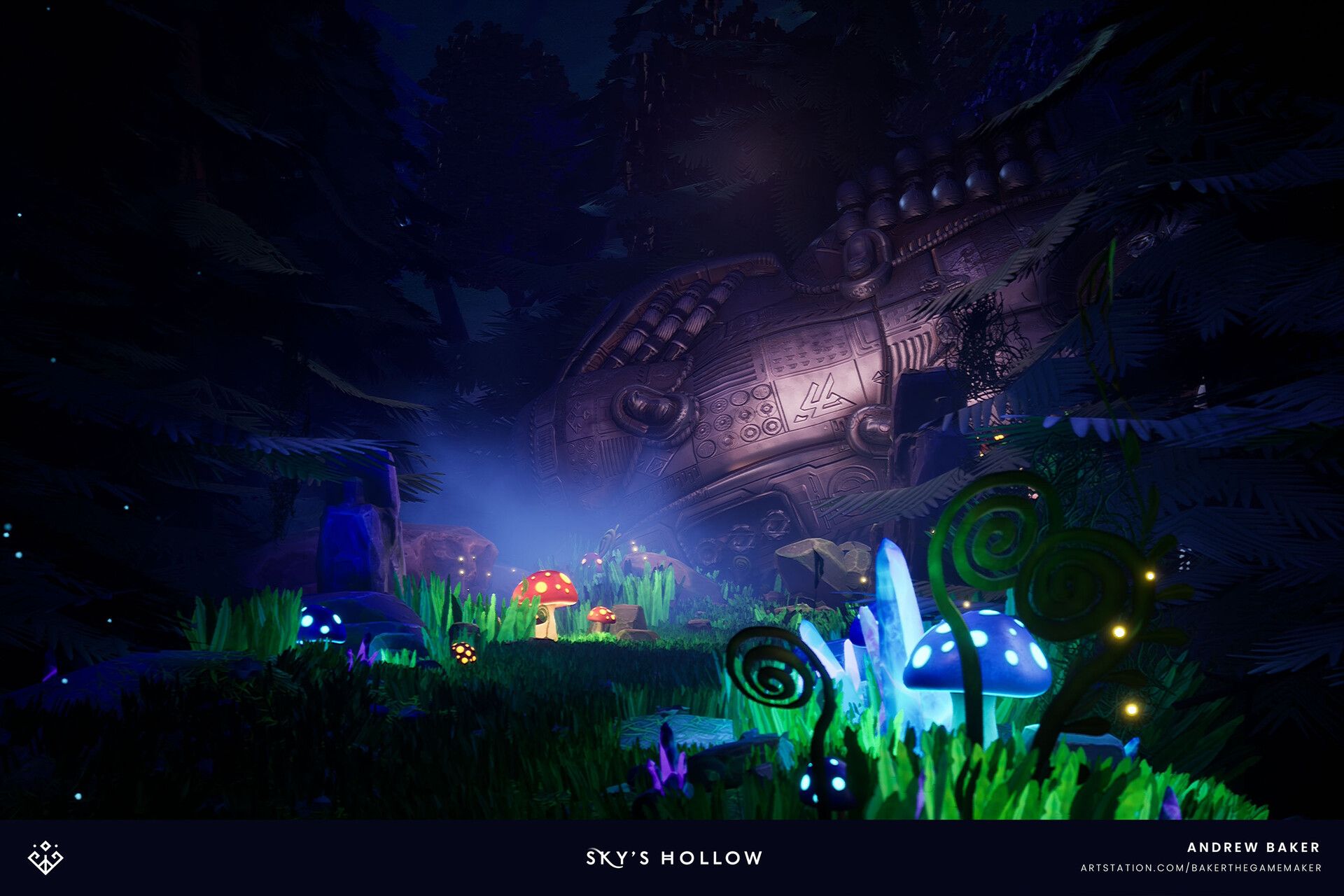
PAST STUDENT
Andrew Baker
The education I got at Vertex School is what got me my current job with PIXOMONDO which was always a company I dreamed to work at. I'm now living my dream.
If I was to give an aspiring artist advice, I would say you need to be prolific, not afraid to make bad art. You need experience. Your first 3D model will not be something you put on your ArtStation, show off and everyone loves. Make 100 crappy models if that is what it takes to get your first portfolio-worthy one. Don't get discouraged. Be prolific.
Prior to Vertex: Environment Artist at Booz Allen Hamilton
After Vertex: Unreal Generalist at PIXOMONDO
Start learning for free
Get cool tips, tricks, and be the first to know about our latest offerings and promotions!
